English
 Chinese
 Pусский
 Français
 Español
 Deutsch
 Português
 한국인
한국인 عربي
عربي Prev:
null

Jun 03,2026
Pageview: 1
It’s a sweltering afternoon, lightning flickers, and your lights dim for a second. Power returns, but your workstation, freezer, or home theater stays stubbornly off. You trace the problem to a compact device plugged into the wall outlet—an indicator glows red or amber, yet no electricity flows through. This little safety unit has done its job: it disconnected your gear to prevent damage from the chaotic voltage often accompanying power recovery. But now you’re staring at it, wondering how to get things running again without an emergency service call.
Before we walk through the reset procedure, it helps to know exactly what tripped. Whether your unit is a voltage protector designed to guard against surges and sags, or a current protector that trips on overloads, the reset logic is fundamentally similar—and many modern units combine both functions. Grasping this will let you approach the reset process with confidence, rather than pressing buttons at random.
Don’t rush to press that reset button. A trip during power recovery often signals a persistent issue: a surge when the grid re-energizes, a sustained over- or under-voltage, or the massive inrush current when multiple motors try to start simultaneously. I once visited a friend’s workshop where a benchtop saw and a dust collector restarted at the same moment; the combined inrush instantly retripped the safety unit.
Start by unplugging all loads from the device. Inspect the cord and plug for signs of overheating or discoloration. Use a true-RMS multimeter to measure the voltage at the upstream receptacle. In North America, expect a steady 120V ±10%, as recommended by ANSI C84.1 guidelines. If the voltage still reads too high, too low, or is fluctuating heavily, wait until the utility stabilizes it. Standards like IEC 60947-1 make it clear that a protective device should only be reset after the fault condition has cleared; otherwise, you risk contact welding and permanent damage.
Most in-line or panel-mount units feature a small, recessed reset button—sometimes labelled “RESET” or marked with a circular arrow. Once you’ve verified that the line voltage is normal, press the button firmly with a dry, insulated tool. Never attempt this with wet hands or a metallic object that can slip and cause a short. Certain designs require you to switch the unit off first, wait 10 to 20 seconds, and then press reset while turning it back on.
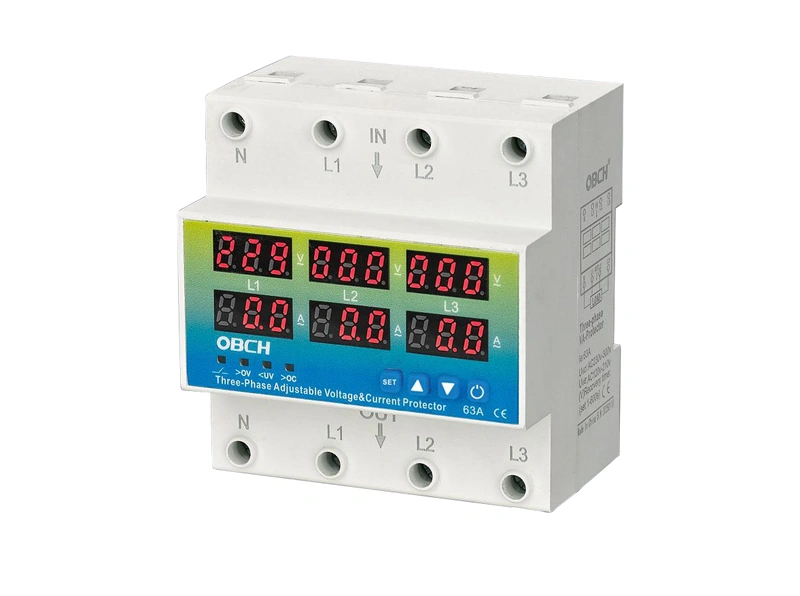
You’ll usually feel a tactile click, and the fault LED should change to green. Reconnect a single low-power load, like a lamp, to confirm stability. If the device holds, progressively add the rest of your equipment. Should the unit trip again immediately with no load connected, internal components such as the varistor or relay may have degraded.
If the device clicks but won’t hold, or the fault indicator remains stubbornly lit, you’re probably dealing with one of these scenarios:
The incoming voltage is still outside the safe range (measure again with a true-RMS meter).
A short circuit or ground fault exists downstream (disconnect everything and test step by step).
The unit’s internal protection elements have been fatigued by repeated surges.
At this point, many people get frustrated. I’ve seen a small bakery lose a dough mixer because an employee wedged the reset permanently closed—the next surge destroyed the motor. Manual resets have their limits. If you’re tired of playing guessing games after every brownout, it’s worth exploring modern automatic reclosing protective switches that take this burden off your shoulders.
Higher-end protective units incorporate an auto-reclosing function. Instead of needing you to physically press a button, they continuously monitor line conditions. Once the voltage and current return to a safe range and remain stable for a preset delay—typically between 3 and 120 seconds—the device reconnects power on its own. This is a game-changer for unstaffed locations like server closets, pump houses, or vacation properties.
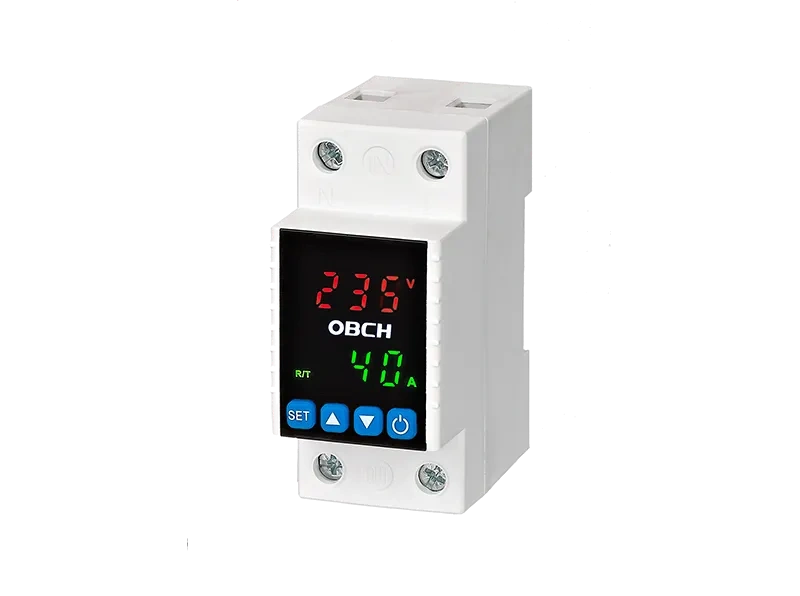
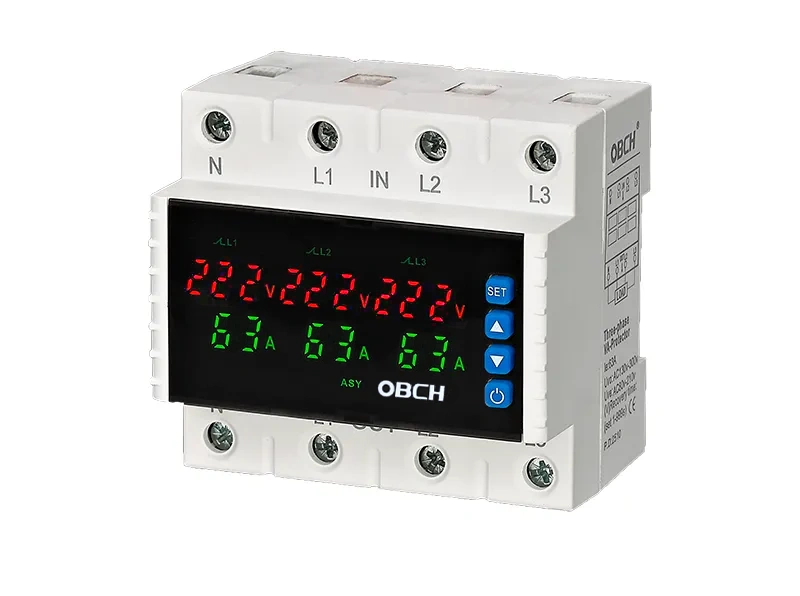
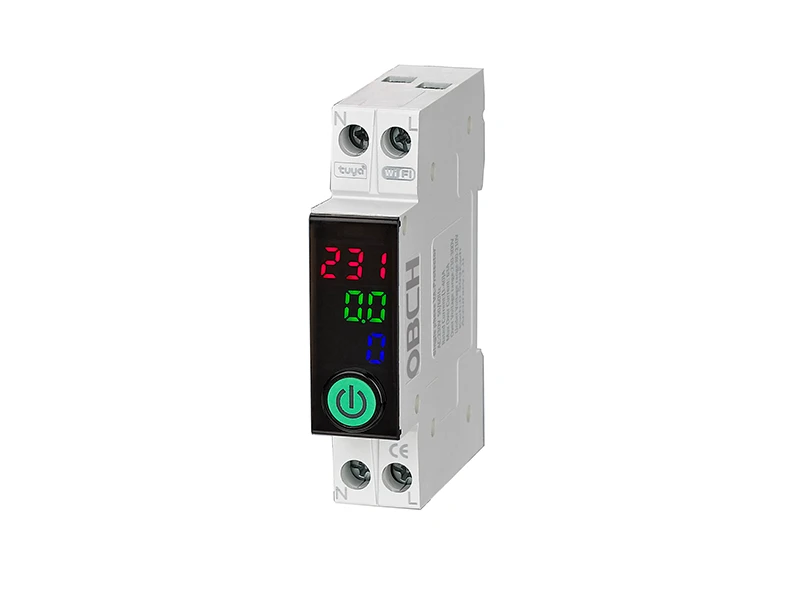
For example, devices with adjustable auto-reset voltage and current monitoring capabilities let you define the exact under-voltage, over-voltage, and over-current thresholds. After a brownout, the unit waits through a configurable stabilization period before gently restoring power. OBCH, a specialist in this field, designs their models so you can dial in these thresholds via a straightforward digital interface, making them equally suited to a residential fridge or a demanding industrial controller.
Resetting under load: The combined inrush can weld relay contacts instantly. Always disconnect your appliances first.
Using improvised tools: A metal screwdriver or a wet finger on a live contact can cause a serious arc flash. Stick to properly insulated probes.
Ignoring repeated trips: If the device trips three times in an hour, the root cause is your electrical environment, not the protector. Look for loose neutrals, a failing utility transformer, or severely unbalanced loads.
Treating all units as equal: Basic models offer only manual reset. Sturdier units include over/under-frequency protection and are tested to surge standards such as IEC 61643-11.
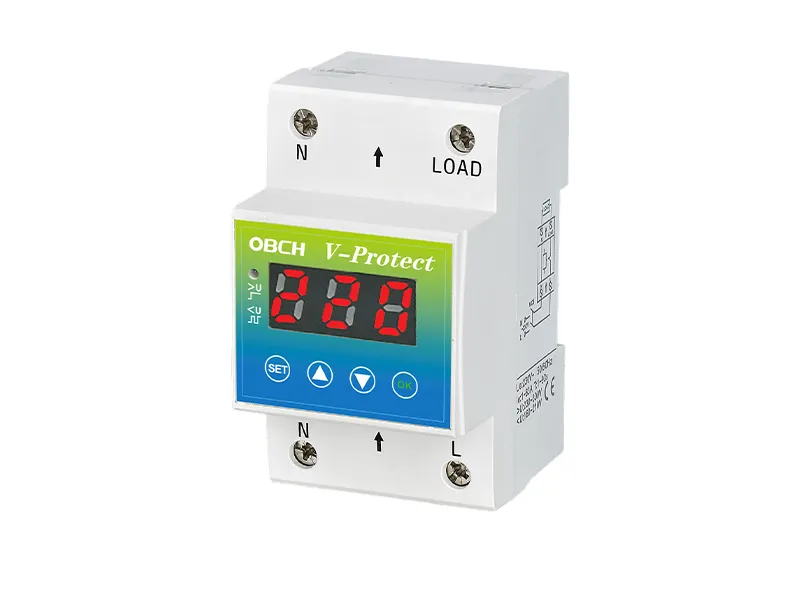
Even the best manual reset ritual won’t help if the device trips every time a thunderstorm rolls through. Consider these long-term steps:
Install a whole-home surge protector at the breaker panel to absorb large transients before they reach point-of-use units.
Stagger the start-up of large motors, or use equipment with built-in delay-on-start timers.
If you regularly experience under-voltage conditions in your area, it’s wise to select a unit with adjustable thresholds. A fixed trip point might not match your local grid’s idiosyncrasies.
A dairy farm I consulted for kept losing cooling pumps due to late-night voltage sags. Swapping a basic manual-reset protector for an adjustable auto-reclosing model from OBCH solved the issue permanently, saving them thousands in spoiled product. The key was setting a 90-second stabilization delay that ignored brief utility hiccups.
Resetting a tripped safety switch isn’t rocket science, but in a world where we expect systems to be resilient, walking to a basement or a remote cabinet every time the lights flicker feels archaic. If you’d rather have your equipment recover on its own, it’s time to look at integrated solutions that pair solid protection with intelligent self-healing.
Start by auditing the gear you can’t afford to leave offline, and note how many times you’ve had to intervene manually in the last six months. For a truly hands-off experience, discover OBCH’s smart power protection solutions—they’re engineered to automatically restore power safely after every disturbance, keeping both your equipment and your peace of mind intact.
*Disclaimer: This article is for educational purposes. Working with electricity carries inherent risks. Always consult a licensed electrician for installation or persistent fault conditions, and refer to the manufacturer’s manual for your specific device. Standards referenced include IEC 60947-1, IEC 61643-11, and ANSI C84.1.*

GET A QUOTE